
Tracking Revenue Across Multiple Operators: Why Spreadsheets Aren't Enough
If you own mineral rights in more than one property, you probably have a spreadsheet. Maybe several. One for each operator. One that tries to combine everything. One your accountant made for tax season.
You're not alone. The vast majority of mineral owners manage their finances in Excel or Google Sheets. It works—until it doesn't.
The Spreadsheet Problem
Spreadsheets are flexible, but they have fundamental limitations when it comes to managing mineral revenue:
Every Operator Reports Differently
One operator sends a PDF check stub with 15 columns. Another emails a CSV with different column names. A third mails paper statements. You're manually entering data from three different formats into one spreadsheet, and every month it takes longer.
No Standardization
Operator A calls it "Gross Value." Operator B calls it "Owner Gross." Operator C lists "Total Before Deductions." They all mean roughly the same thing—but reconciling them requires you to know each operator's terminology.
Deductions Are a Black Box
Some operators break out every deduction line by line. Others lump everything into "Post-Production Costs." Comparing deduction rates across operators in a spreadsheet requires manual calculation every single month.
Scale Breaks Everything
A spreadsheet works fine for 2 wells with 1 operator. At 10 wells across 3 operators, it's manageable but time-consuming. At 50+ wells across a dozen operators—which isn't unusual for families with inherited mineral rights across multiple states—it becomes a part-time job.
What You're Actually Trying to Answer
When mineral owners build spreadsheets, they're usually trying to answer a handful of critical questions:
- How much total revenue did I receive this month/quarter/year?
- Which wells are performing and which are declining?
- Are my deductions reasonable compared to other operators?
- Am I missing payments from any operator?
- What do I need for my tax return?
These are straightforward questions. The problem isn't the questions—it's that the data to answer them is scattered across a dozen different sources in a dozen different formats.
The Real Cost of Manual Tracking
Beyond the time spent entering data, manual tracking creates real financial risk:
Missed Payments Go Unnoticed
If an operator skips a payment or puts your interest in suspense, you might not notice for months. There's no alert—just a missing row in your spreadsheet that you may or may not catch.
In Texas alone, the state comptroller holds over $8 billion in unclaimed property, a meaningful portion of which is unclaimed mineral royalties.
Errors Compound Over Time
A transposed decimal interest. A missed deduction column. A formula that doesn't update when you add a new well. Small errors in a spreadsheet accumulate silently over months and years.
Tax Season Is Painful
Every year, you need to match 1099-MISC forms from each operator against your records. If your spreadsheet doesn't perfectly track what each operator reported, you're reconciling discrepancies under deadline pressure.
No Historical Trend Analysis
Looking at revenue trends over 3-5 years in a spreadsheet requires meticulous data entry going back years. Most owners don't have that. They know this year's numbers but can't easily see whether a well's decline rate is normal or whether an operator changed pricing terms.
What "Good" Looks Like
Imagine instead:
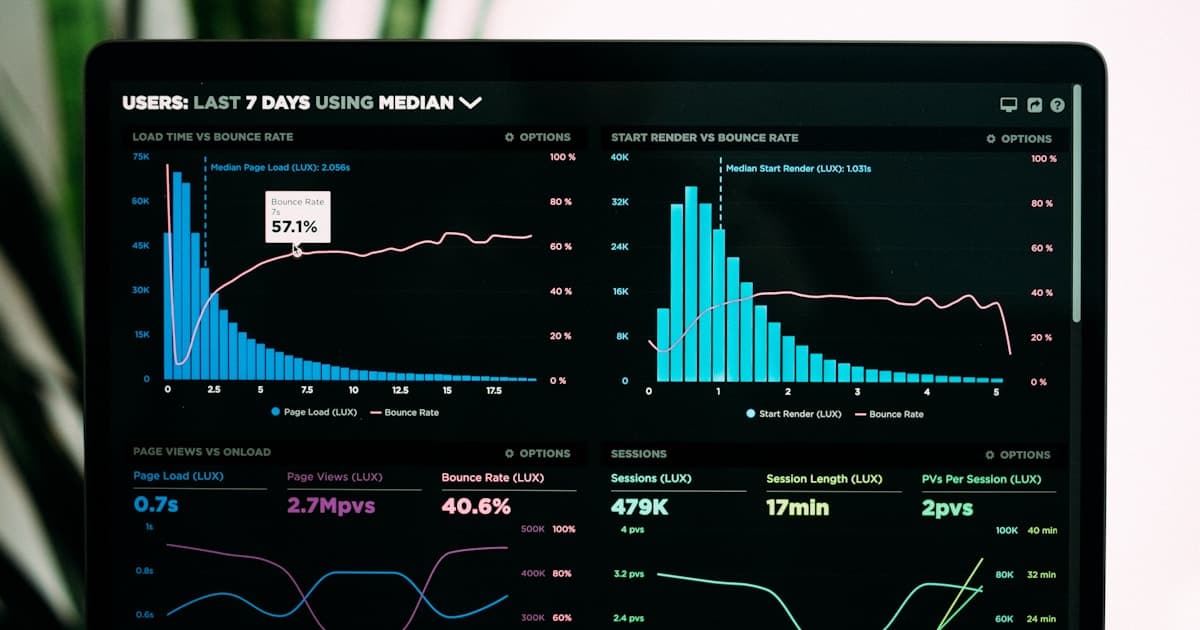
- One dashboard that shows total revenue across all operators, updated automatically
- Standardized line items so you can compare deductions from Operator A against Operator B
- Automated alerts when a payment is late or a decimal interest changes
- Year-over-year trends for every well, property, and operator
- Tax-ready reports that match your 1099s
This isn't a fantasy. It's what purpose-built mineral management software does.
Why General Accounting Software Doesn't Work Either
Some owners try QuickBooks or other accounting tools. These are great for tracking income and expenses, but they don't understand mineral-specific concepts:
- They don't know what a decimal interest is
- They can't parse an operator's check stub
- They don't track production volumes alongside revenue
- They can't compare well performance or deduction rates
Mineral revenue management is a specialized problem. It needs a specialized solution.
How MineralDesk Solves This
MineralDesk was built specifically for mineral owners who are tired of spreadsheets. Upload your statements, and we extract the data automatically—normalizing it across operators so you can finally see everything in one place.
No more manual entry. No more format translation. No more wondering if you're being paid correctly.
Your minerals deserve better than a spreadsheet. Try MineralDesk.com